
Reviews
Description
A Digital Typewriter Experience
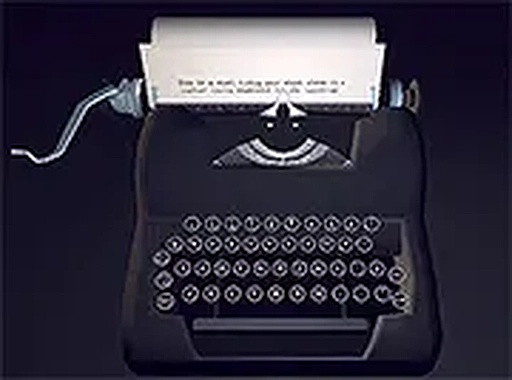
Classic Keyboard Writing Space is a browser-based tool that simulates the experience of typing on a vintage typewriter. The interface is deliberately minimal, with no complex menus or flashy graphics. Each keystroke produces a mechanical sound and a slight visual movement, mimicking the tactile feedback of old machines. The goal is to create a calm, uninterrupted writing environment where users can focus solely on their words.
Typing Without Judgment
The core activity is simple: type. The system does not track speed, accuracy, or content, allowing complete freedom of expression. This makes it suitable for brainstorming, freewriting, poetry, journaling, or any form of raw drafting. The absence of editing or formatting features encourages unfiltered writing, which can help overcome writer's block by lowering the barrier to starting. A full-screen mode eliminates browser toolbars and other on-screen distractions.
Access and Setup
Classic Keyboard Writing Space runs directly in a web browser on desktop computers. No downloads or installations are required. It is optimized for keyboard and mouse input, ensuring responsive performance. The online nature means users can access it from any compatible device without saving files locally. A typewriter-style print function allows users to produce a physical copy of their work, adding a tangible element to the digital experience.
Who It's For
This tool is designed for writers, students, and anyone seeking a focused environment for composition. It differs from word processors with extensive formatting and spell-check features, and from typing games that measure speed or accuracy. Instead, it prioritizes the act of typing itself. The vintage aesthetic sets it apart from modern minimalist writing apps, offering a nostalgic feel that some find more engaging.
Compatibility
Player Comments
Sign in to comment
You must be logged in before posting a review or rating.
No comments yet. Be the first to comment!

Editorial Notes