Kogama Obstacle Course Runner delivers a straightforward yet engaging platforming experience. The colorful, blocky visuals make each course easy to read, and the responsive controls allow for satisfyingly precise movement. Racing against others adds a welcome competitive edge, and the lack of downloads means you can jump in instantly. While the core mechanics are simple, mastering the later courses requires genuine skill and practice.
About this game
Course Design & Visual Style
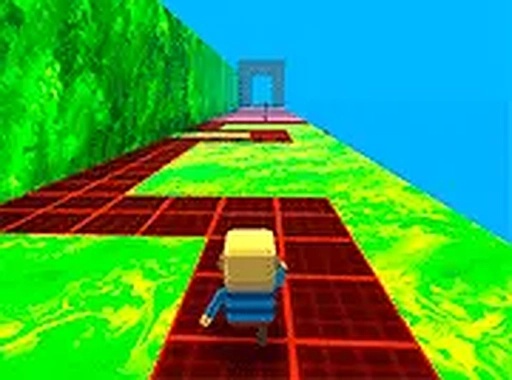
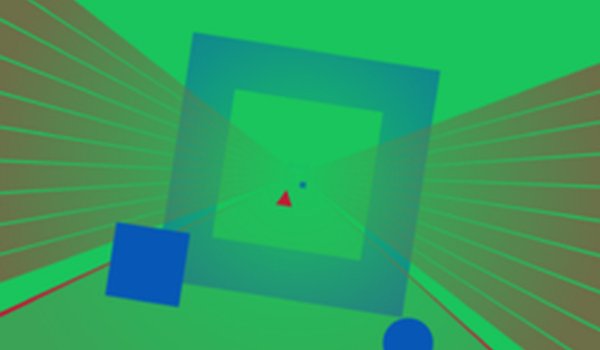
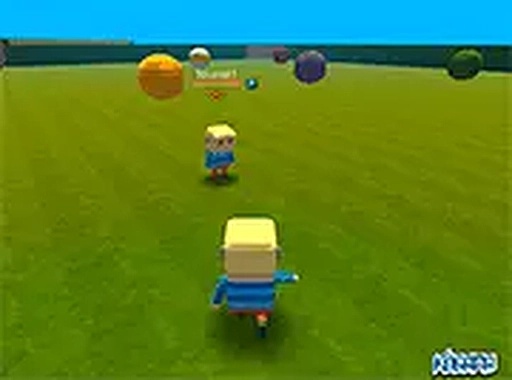
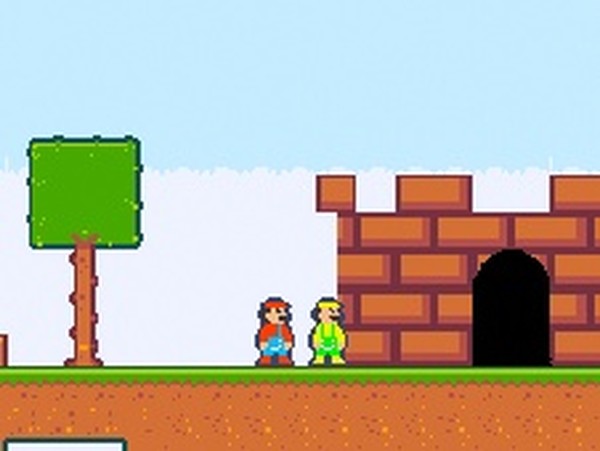
The game presents a series of obstacle courses built from brightly colored blocks. Each track is designed with clear pathways and visible hazards, making it easy to plan your route. The visual style is clean and inviting, with a focus on readability so you can react quickly to upcoming challenges.
Controls & Movement
Using standard keyboard keys, you control your character's movement across platforms and gaps. The controls are responsive, allowing for precise jumps and runs. Mastering the timing of your actions is key to clearing each section without falling.
Online Competition
You can race against other players in real time. The multiplayer aspect adds a layer of excitement as you compare your speed and efficiency. Watching others navigate the same obstacles can also reveal new strategies for tackling difficult sections.
Replay Value & Progression
Each course can be attempted multiple times to improve your personal best. The game encourages repeated play through its competitive leaderboard and the satisfaction of mastering a tricky sequence. There is no penalty for failing, so you can experiment freely.
Accessibility & Platform
Because the game runs directly in a web browser, there is no need to download or install anything. This makes it easy to start playing on almost any device with an internet connection. The straightforward design means players of all ages can pick it up quickly.
Compatibility
▸ Desktop: Chrome / Edge / Firefox / Safari
▸ Mobile: iOS Safari / Android Chrome
▸ Tablet: iPadOS Safari / Android Tablet Browser
Keep your browser updated for the best experience
Share:
PLAY NOW
Advertisement
Faq
Do I need to create an account to play Kogama Obstacle Course Runner?
Most versions of this game allow you to start playing immediately without registration. However, creating a free account may let you save your progress, track your best times, and appear on leaderboards.
Can I play Kogama Obstacle Course Runner on a mobile phone or tablet?
The game is designed primarily for desktop computers with a keyboard. While some browsers on mobile devices may load the game, the controls are optimized for keyboard input, so a desktop setup provides the best experience.
What happens if my character falls off a course?
Falling off a platform or into a hazard typically resets your character to the start of the course or a recent checkpoint. You can then try again without any penalty, which encourages learning from mistakes.
Are there different difficulty levels in the courses?
The game may include a variety of courses with increasing complexity. Early tracks are generally straightforward to help you learn the controls, while later ones introduce tighter jumps and moving obstacles that require more precise timing.
How do I improve my ranking against other players?
Focus on memorizing the layout of each course and practicing your jumps. Watching replays of faster players can help you identify shortcuts or more efficient movement patterns. Consistent practice is the most reliable way to improve your times.
Is there a way to play with friends in a private room?
Depending on the version, you may be able to create or join private lobbies to race only with friends. This feature is not always available, so check the game's menu or settings for options related to private matches.
























Comments
0 comments